
A customizable caption system and reusable toolkit for accessibility and immersion in virtual reality.
About the Toolkit
The XR Caption Toolkit is designed for VR prototypers and developers to seamlessly integrate captions into virtual reality experiences. It offers flexible visual customization and supports innovative applications of captions—not only for accessibility but also as an immersive design element.
The system automatically detects and synchronizes captions with the currently playing audio, simplifying integration in complex game experiences or projects with large volumes of audio content.
More details can be found on Github.
Key Features
HMD Captioning
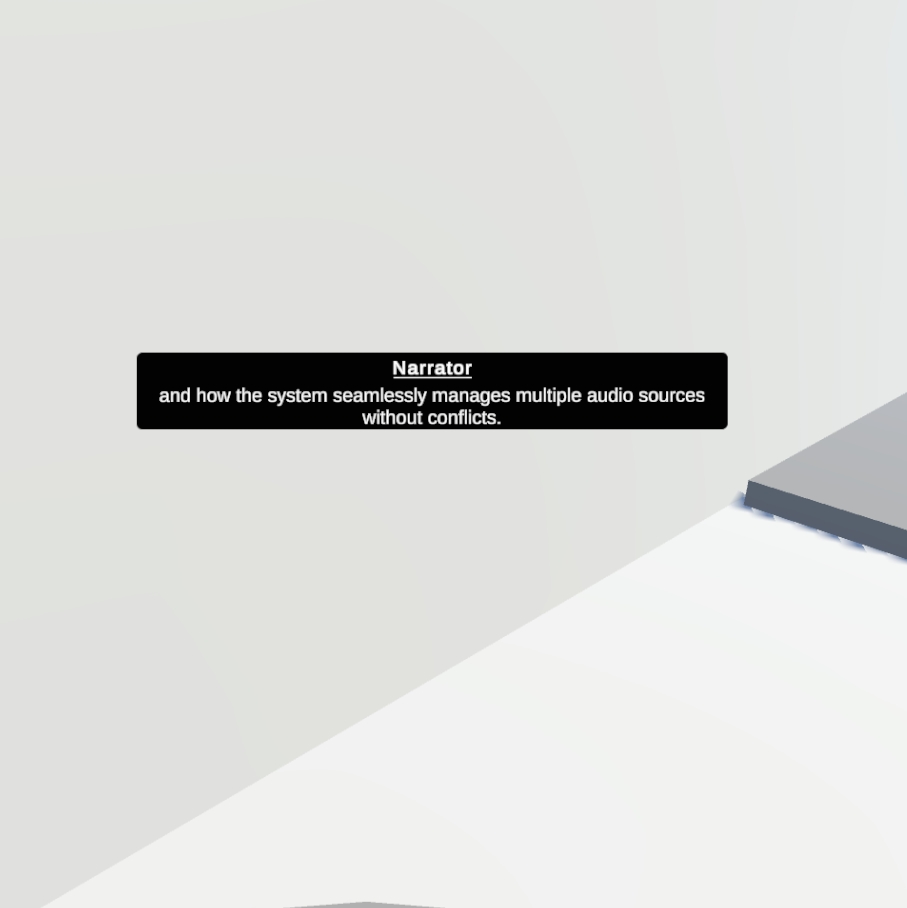
Head-mounted display captions follow the user's position, ensuring captions remain consistently visible within the field of view. The toolkit includes smooth following behavior for enhanced comfort, with the HMD centered in the field of view by default. Customizable offsets provide additional flexibility.
Usage Scenario:
- Background audio and introductory narration for accessibility
Anchored Caption
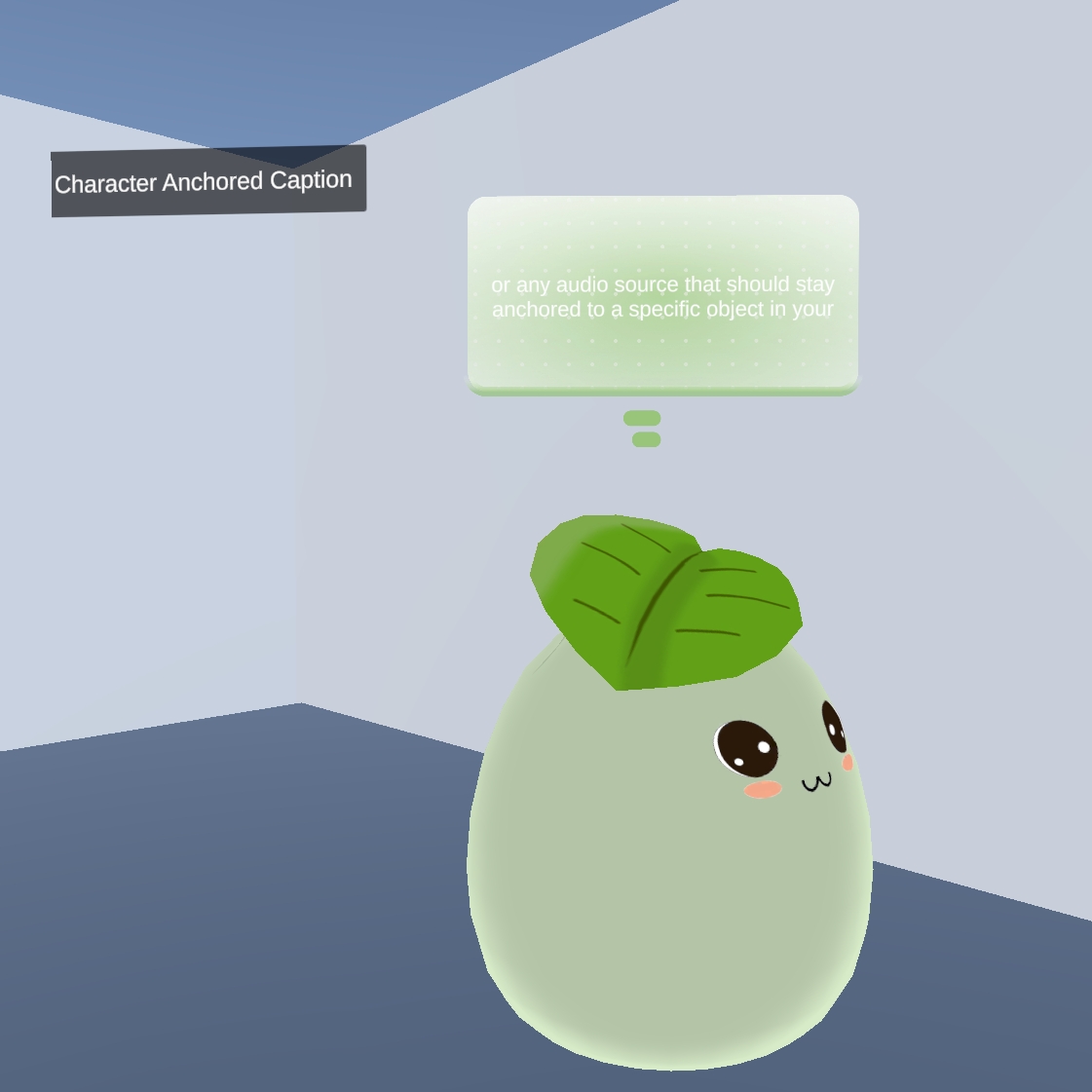
Anchored captions display text associated with specific objects or characters, creating dynamic speech bubbles that follow designated sources. This feature also supports spatial anchoring when bound to static audio sources.
Usage Scenarios:
- Character dialogue
- Location-based audio guides
- Interactive museum exhibitions
Caption History
The caption history feature allows users to review audio content at their own pace. It can bind to specific audio sources or automatically detect any playing content. When auto-detection is enabled, it functions as an on-demand reference tool, ideal for integration into wrist user interface or menu systems.
Design Motivation
This feature emerged from user feedback during Studio Xplorer usability testing:
- "The audio hints are hard to follow, and the captions move too fast for non-native English speakers like me to read."
- "I was so focused on the game and environment that I didn't pay attention to the audio content. I didn't even realize there were hints and XR terminology knowledge embedded in the audio."

Why Build or Use an XR Caption Toolkit?
Studio X collaborates with diverse research and creative teams working on a wide variety of VR projects. Through these collaborations and continuous user feedback, we identified an unmet need: existing caption systems primarily focus on accessibility through head-mounted text, but they rarely support creative integration into immersive storytelling and interactive environments.
To address this gap, the XR Caption Toolkit introduces multiple caption modalities—such as head-mounted, spatially anchored, and character-anchored captions—alongside a caption history for reviewing previous content. This flexibility empowers creators to embed captions as both functional and expressive components of their XR experiences.
Technical Specifications
Current Environment
- Unity 2022.3.57f1
- Built-in Rendering Pipeline
- XR Interaction Toolkit
Future Development
Integration with additional Unity versions, rendering pipelines, and SDKs will be added based on community needs.
